How to Convert Excel to PDF Free Online (XLS & XLSX Guide)
You finished an invoice, budget, or grade sheet in Excel. Now finance wants a PDF, the client cannot open
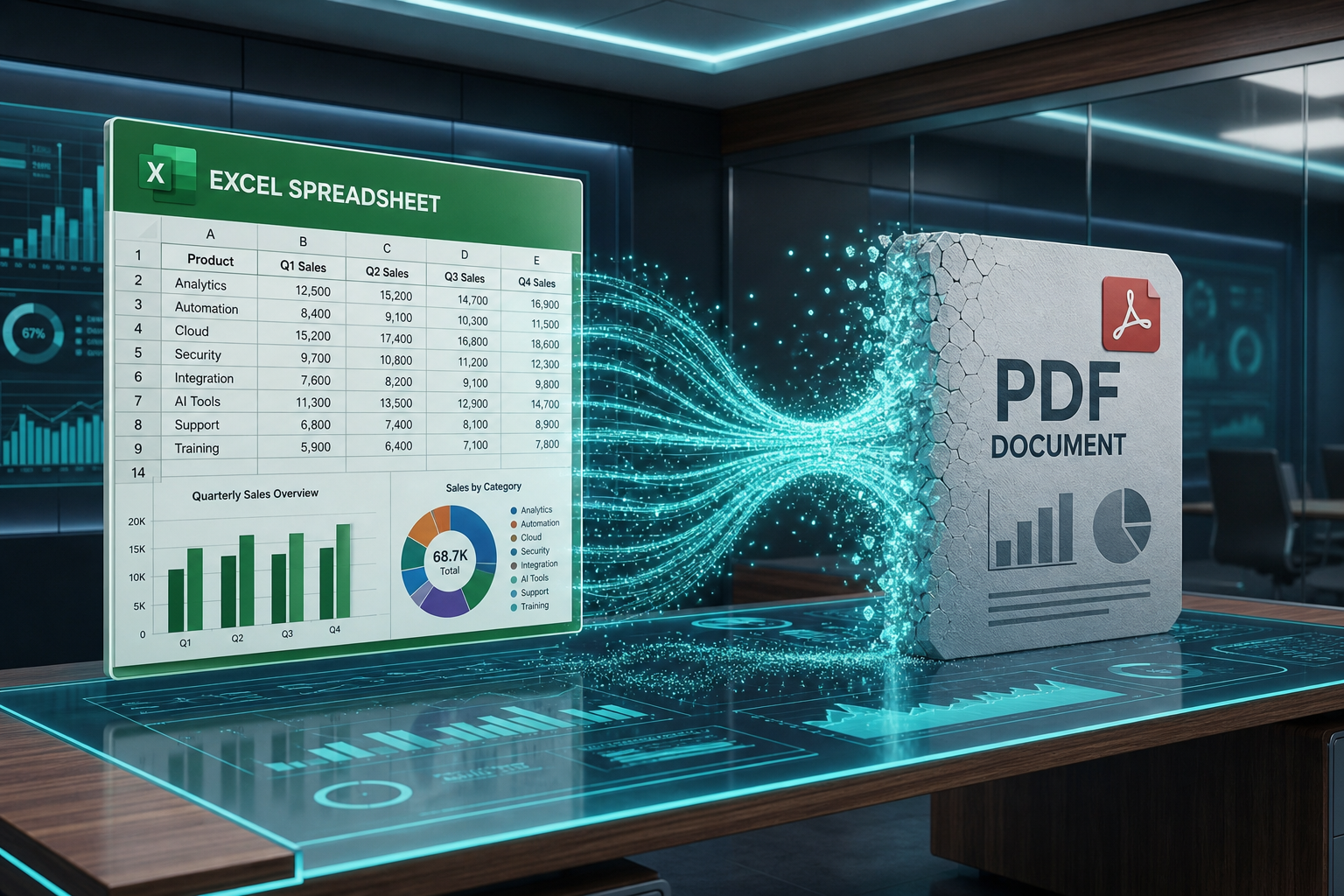
.xlsxThis guide shows how to convert Excel to PDF free online with MyPocketPDF, how to prep print areas so columns are not cut off, and how PDF compares to sending the raw workbook.
Why Convert Excel to PDF?
- Universal viewing — PDF opens everywhere; Excel versions and missing fonts break layouts.
- Fixed numbers for sharing — recipients see values, not editable formulas they might accidentally change.
- Professional delivery — invoices and quotes look finished as PDF.
- Portal compliance — many government and vendor systems accept PDF only.
Need the other direction someday? Table extraction tools vary; today MyPocketPDF focuses on high-quality Excel → PDF for distribution. For Word workflows, see Word to PDF.
Excel to PDF vs Printing from Excel
Desktop Excel “Save as PDF” / “Export” works if you already pay for Microsoft 365 and are on that PC. MyPocketPDF wins when you are on:
- A Chromebook or borrowed computer
- A phone that received the
by email.xlsx - A machine without Excel installed (LibreOffice users sometimes still want a quick online path)
The 3-Step Guide: Excel to PDF on MyPocketPDF
Step 1: Prep the Spreadsheet (2 Minutes That Save Headaches)
Before uploading:
- Set a sensible print area if you only need a table, not empty columns out to ZZ.
- Check page orientation (landscape for wide finance tables).
- Freeze nothing you expect to “stick” in PDF—PDF is static pages.
- Replace errors (
,#REF!
) so they do not appear in the client PDF.#DIV/0!
Step 2: Upload to Excel to PDF
Open Excel to PDF. Upload
.xlsx.xls- Conversion runs on our secure server (Office formats need that pipeline).
- Files are processed to return your PDF—we do not keep a personal spreadsheet archive.
- Password-protected workbooks may need to be unlocked/saved without a password in Excel first.
Step 3: Download and Spot-Check the PDF
Open the PDF and verify:
- Columns are not clipped mid-number
- Multi-sheet workbooks: confirm you exported the sheet you intended (prep one sheet or a clean file when possible)
- Headers and print titles look correct
- File size is email-friendly—if not, Compress PDF
Pro Tips for Perfect Excel → PDF Results
1. Wide Tables Prefer Landscape
If columns spill, fix layout in Excel first, then convert again. Fighting clipped columns in PDF is harder.
2. One Clean Sheet Beats a Messy Workbook
Hide unused sheets or copy the report tab to a new file before converting.
3. Values, Not Formulas
PDF shows calculated results. Keep the
.xlsx4. Protect Financial PDFs
Quotes and payroll summaries should use Protect PDF or Sign PDF after conversion.
5. Merge Supporting Docs
Invoice PDF + terms PDF → Merge PDF into one client packet.
Real-World Use Cases
- Freelancer invoices and timesheets
- Monthly budget snapshots for stakeholders
- Inventory lists for warehouse printouts
- Teacher grade exports for records that must not be casually edited
Why MyPocketPDF for Excel to PDF?
- Free online conversion without installing desktop Office
- No account wall for core conversions
- No watermark on standard outputs
- Same site for compress, merge, protect after export
- Clear security story — HTTPS upload for conversion; no long-term file locker product
Troubleshooting Excel to PDF Layout
- Columns cut off on the right: Reduce column widths, switch to landscape, or scale the sheet to fit page width in Excel, then convert again.
- Too much empty space: Set a print area around the real table; delete unused far-right columns before export.
- Wrong sheet exported: Save a workbook that contains only the report sheet, or confirm which tab was active when you prepared the file.
- Tiny fonts in PDF: Increase font size in Excel before converting—PDF will not magically enlarge unreadable cells.
- Need a multi-doc packet: Convert the sheet, convert any Word cover letter with Word to PDF, then Merge PDF.
Security and Privacy
Spreadsheets often hold salaries, margins, and personal data. We transmit over HTTPS for conversion and return your PDF. Prefer converting only the sheet that must be shared—not an entire workbook of unrelated tabs. Full details: Privacy Policy.
Frequently Asked Questions (FAQ)
How do I convert Excel to PDF for free?
Upload your
.xlsx.xlsWill my formulas appear in the PDF?
No. Like printing from Excel, the PDF shows calculated values. Formulas stay in your spreadsheet file.
Can I convert on mobile?
Yes—download the spreadsheet to your phone, upload in the browser, convert, and save the PDF.
Why are my columns cut off?
The print/page layout in the source sheet is too wide. Adjust column widths, scale-to-fit, or landscape orientation in Excel, then convert again.
Is Excel to PDF different from Word to PDF?
Yes—different file type and layout engine—but the idea is the same: editable Office file → fixed PDF for sharing. See also Word to PDF.
Conclusion: Share Sheets as Polished PDFs
Stop asking clients to “just install Excel.” Prep the sheet, convert once, protect if needed, send with confidence.
Convert Excel to PDF Free Now →
Also useful: Compress PDF for email and Word to PDF free for the rest of your Office workflow.
Try the free tool
Related guides
- How to Convert Word to PDF Online Free (DOC & DOCX Guide)
Turn Word documents into PDF in seconds. Free online Word to PDF converter for .doc and .docx—no Microsoft Office required, no watermarks.
- How to Fill a PDF Form Online Free (Fillable Fields Step-by-Step)
Fill a PDF form online free—click real fillable fields, use Tab, complete checkboxes and dropdowns, then download. No Acrobat. Works for leases, HR forms, and school paperwork.
- How to Fill and Sign a PDF Without Adobe Acrobat (Free Online)
Fill and sign a PDF without Adobe Acrobat—complete fillable fields or stamp flat pages, add a signature, and download free in your browser. No Creative Cloud subscription.
- How to Fill a PDF Form on Your Phone (iPhone & Android)
Fill a PDF form on iPhone or Android free—complete fillable fields or stamp text, add a signature with your finger, and download. No desktop required.