2026-10-23
How to Edit a PDF on Android (Free, No Adobe)
Open a PDF from Gmail or WhatsApp, then delete pages, sign, compress, or scan — on your Android phone, free, with no account.
Read ArticleMaster your digital documents with our expert guides. Learn how to merge, convert, edit, and secure PDFs like a pro.
Open a PDF from Gmail or WhatsApp, then delete pages, sign, compress, or scan — on your Android phone, free, with no account.
Read Article
Add page numbers to a PDF after merge or Word convert—pick position, format, start page. Free online steps, when to number last, and common footer mistakes.
Read Article
Change PDF paper size to A4 or Letter (or custom) online. Resize vs compress explained, Fit vs Fill, and when portals reject the wrong page size.
Read Article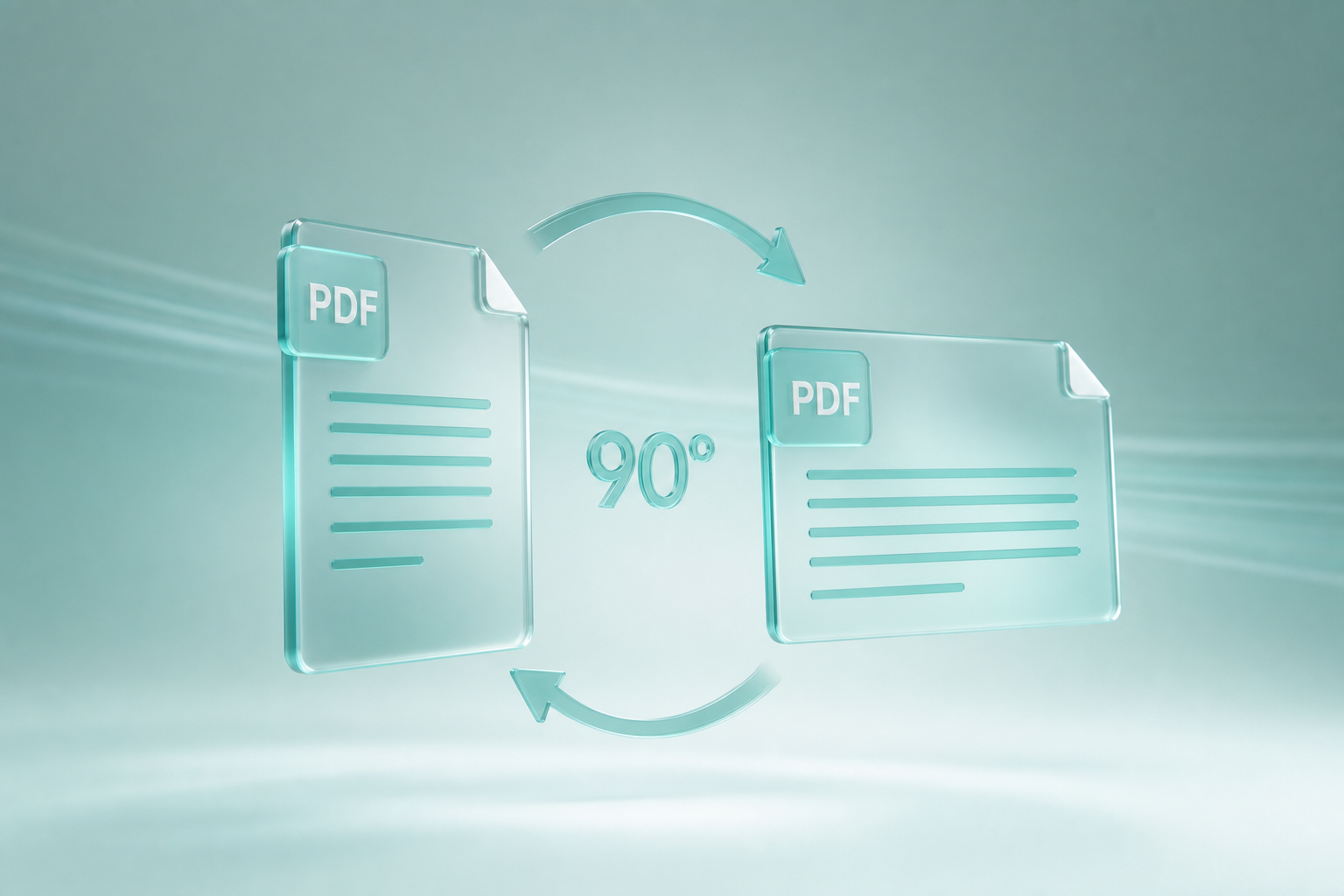
Straighten a crooked scanned PDF online—auto deskew or fine-tune by 0.1°. When to rotate instead, why OCR likes level text, and free MyPocketPDF steps.
Read ArticleWrong page order, pages from two files in one packet—fix it online. Drag thumbnails, insert pages, delete blanks. Free Organize PDF guide with when to merge instead.
Read Article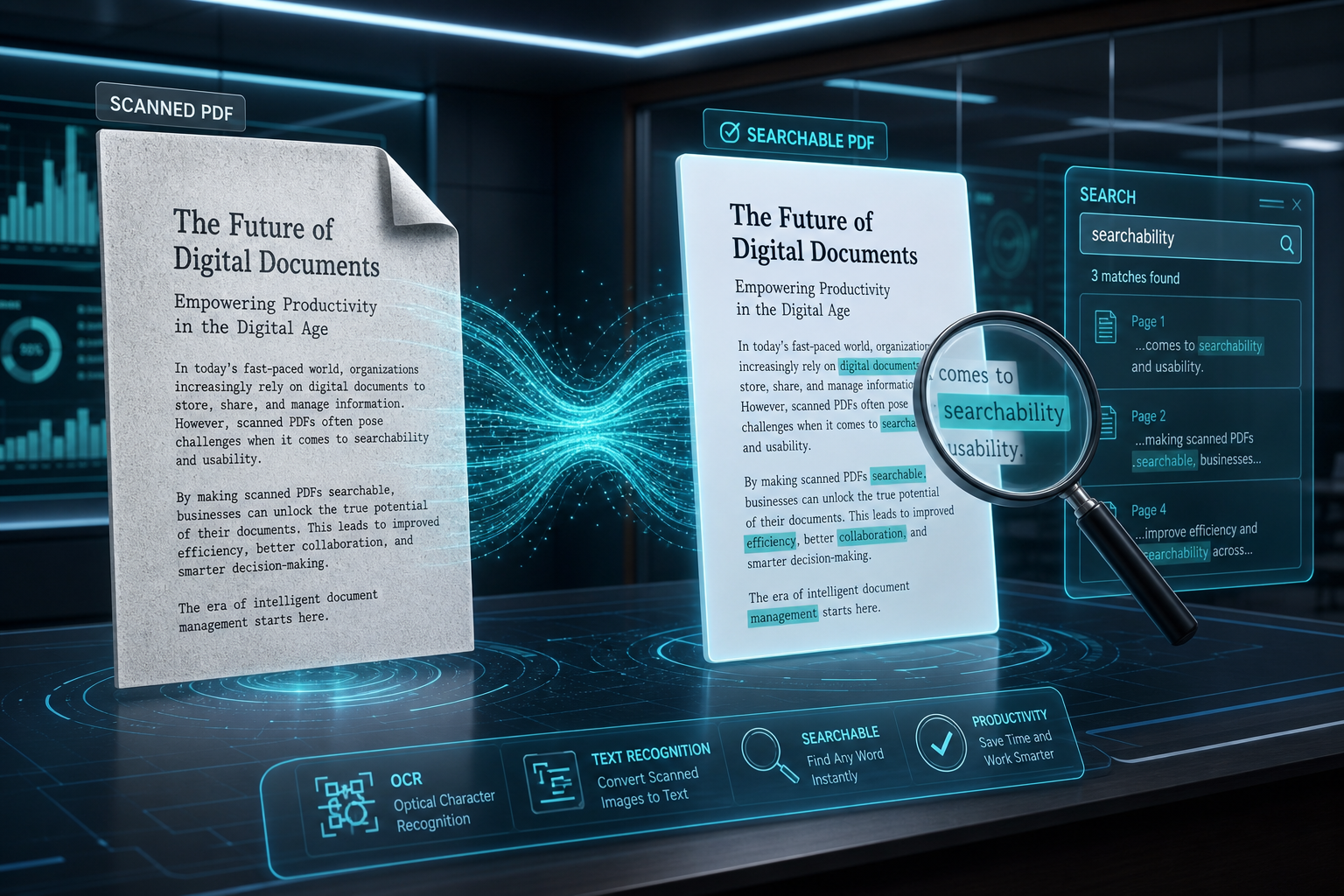
Turn a color PDF into a gray scale (black and white) file for cheaper printing and smaller uploads. Free online steps, when not to invert, and what is permanent.
Read Article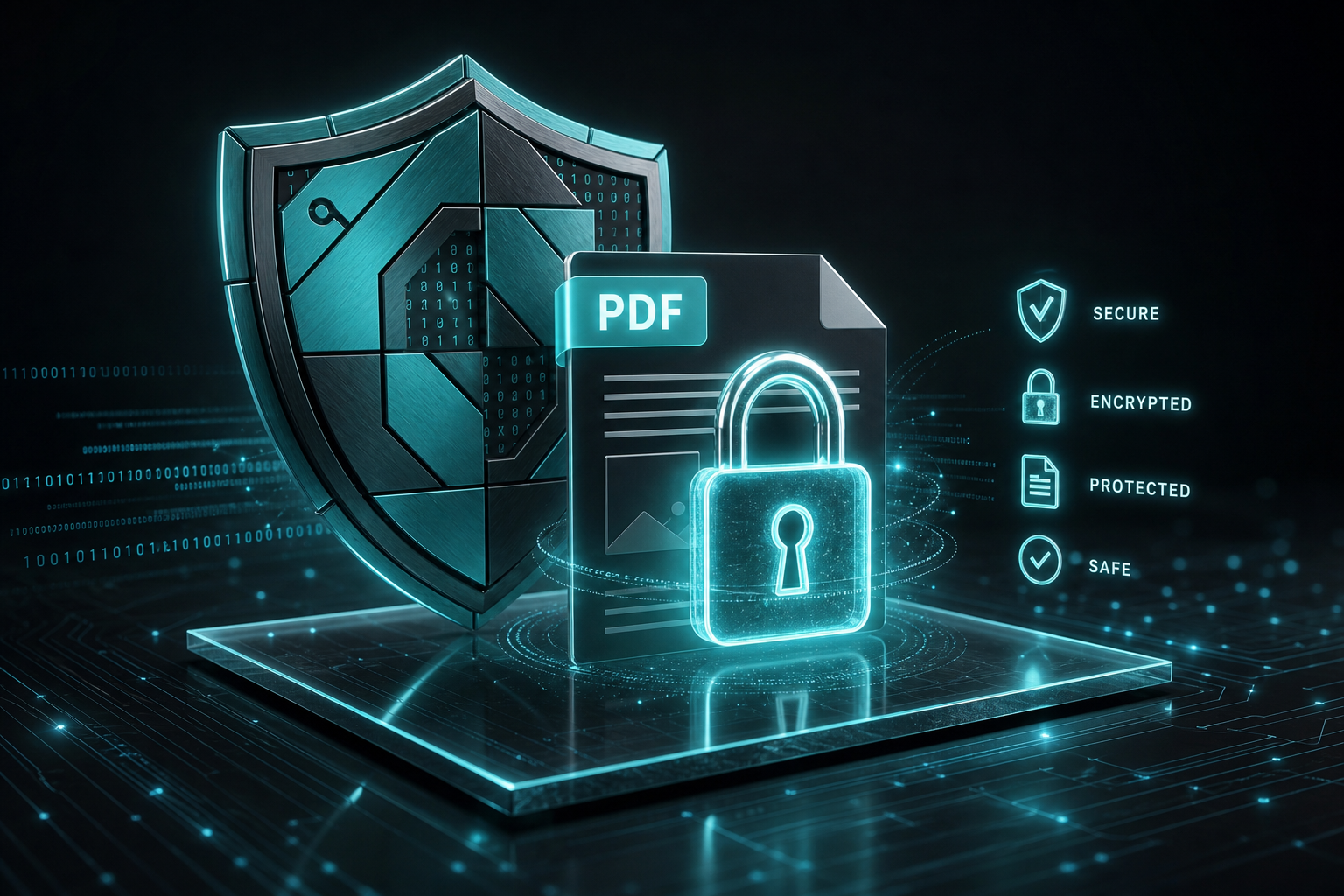
Invert PDF colors online for dark mode—white pages to black, text to light. Free steps, when grayscale is better, and how to reverse it again.
Read ArticleScan papers, receipts, and notes to a multi-page PDF using your phone—then pull the file onto your computer with a QR code. Free, no account, step-by-step.
Read Article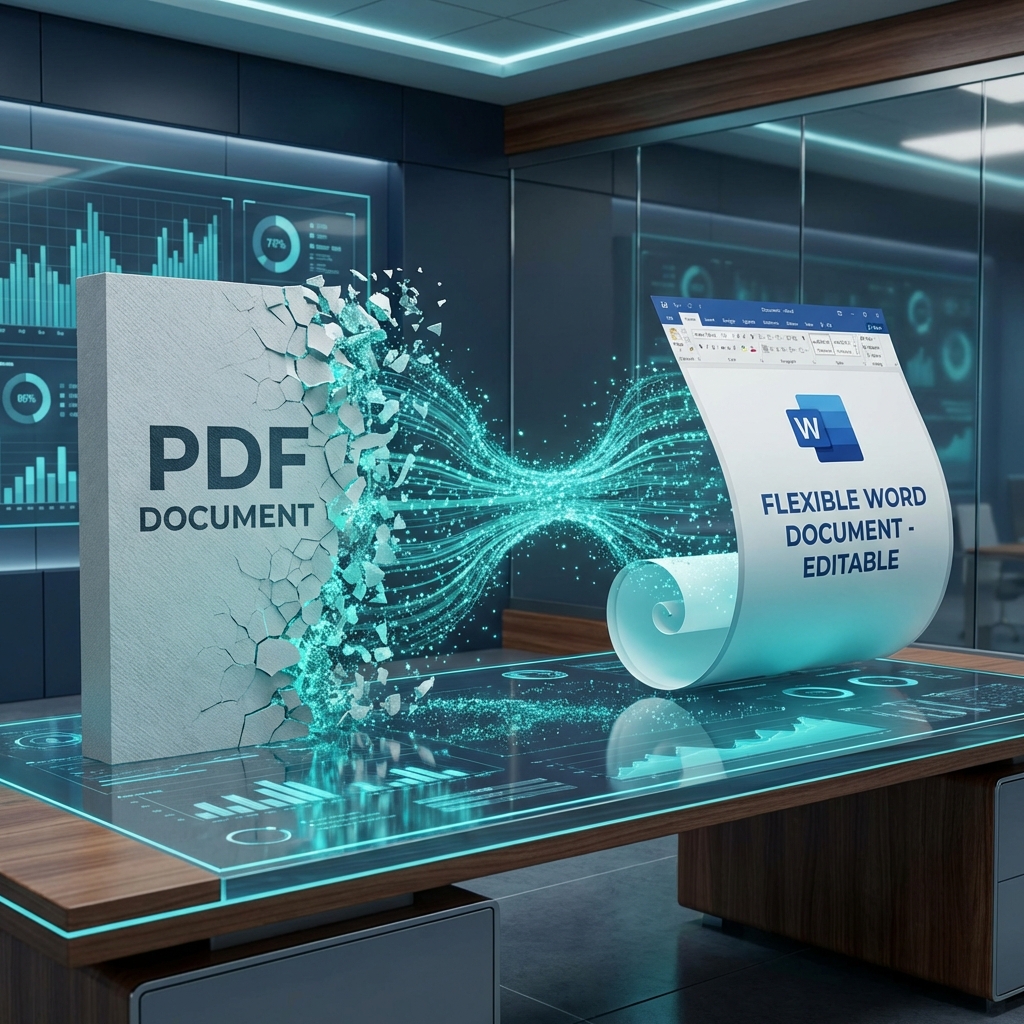
Turn Word documents into PDF in seconds. Free online Word to PDF converter for .doc and .docx—no Microsoft Office required, no watermarks.
Read Article
Combine resumes, invoices, and packets into one PDF—preview thumbnails, drag the order, then download. Free browser merge with no account wall.
Read Article
Beat Gmail and portal size caps. Learn what smart PDF compression removes, which level to pick, and how to shrink attachments while keeping text sharp.
Read Article
Add an e-signature, then lock the file with a password—or decide which you actually need. Free Sign PDF and Protect PDF tools with a practical security order.
Read ArticleFill a PDF form online free—click real fillable fields, use Tab, complete checkboxes and dropdowns, then download. No Acrobat. Works for leases, HR forms, and school paperwork.
Read Article
Fill and sign a PDF without Adobe Acrobat—complete fillable fields or stamp flat pages, add a signature, and download free in your browser. No Creative Cloud subscription.
Read ArticleFill a PDF form on iPhone or Android free—complete fillable fields or stamp text, add a signature with your finger, and download. No desktop required.
Read Article
Convert every PDF page into JPG images free—no software. Full step-by-step for sharing slides, posting pages online, and extracting visuals, plus quality tips, workflows, and FAQs.
Read ArticleRotate PDF pages online free—fix sideways scans and upside-down pages in seconds. Full how-to for all pages or selected pages, plus print tips, workflows, and FAQs.
Read ArticleAdd a password to any PDF free online. Full protect workflow, open vs permissions explained simply, sharing tips, mistakes to avoid, and FAQs.
Read ArticleTurn scanned PDFs into searchable documents with OCR—find text, copy phrases, and prep files for Word conversion. Full free online workflow, tips, and FAQs.
Read Article
Delete extra PDF pages online free—blank sheets, wrong scans, or private pages you should not send. Full guide with Split vs Remove vs Organize, workflows, and FAQs.
Read ArticleConvert a PDF to an editable Word document free—no software install. Step-by-step for resumes, contracts, and scanned files, plus tips to keep tables and formatting intact.
Read ArticleSplit a PDF into smaller files free online—extract every page, cut with visual scissors, split every X pages, or at even pages. No software install.
Read ArticleConvert JPG and PNG images to PDF free—single photos or multi-page packs. Step-by-step for receipts, IDs, homework, and phone camera uploads.
Read ArticleRemove a PDF password online when you know it—free, step-by-step. Learn unlock vs protect, owner vs open passwords, and what to do before merge, edit, or convert.
Read Article
Turn Excel spreadsheets into PDF free—keep tables readable for email, printing, and portals. Step-by-step for invoices, reports, and financial sheets.
Read ArticleSee every PDF before you combine them. Learn how to preview thumbnails, drag to set merge order, and scroll through the full result before you download—free and private in your browser.
Read ArticleBreak free from subscriptions. See why professionals are choosing MyPocketPDF as the ultimate fast, free, and secure alternative.
Read ArticleFix typos and update info in seconds. Discover how to edit PDF text directly in your browser with our powerful, intuitive visual editor.
Read ArticleUnlock your PDF content. Convert any PDF into a fully editable Word document with pixel-perfect layout preservation and zero retyping.
Read Article
Experience the next generation of document management. MyPocketPDF is a sleek, intelligent suite designed for the modern digital era.
Read Article