Ditch Adobe Acrobat: 7 Reasons to Switch to MyPocketPDF Today
Adobe Acrobat has been the industry standard for document management for over three decades. It pioneered the PDF format and has dominated the market ever since. But in 2026, the question isn't whether Adobe is "good"—it's whether it's still necessary for the average user, student, or agile small business.
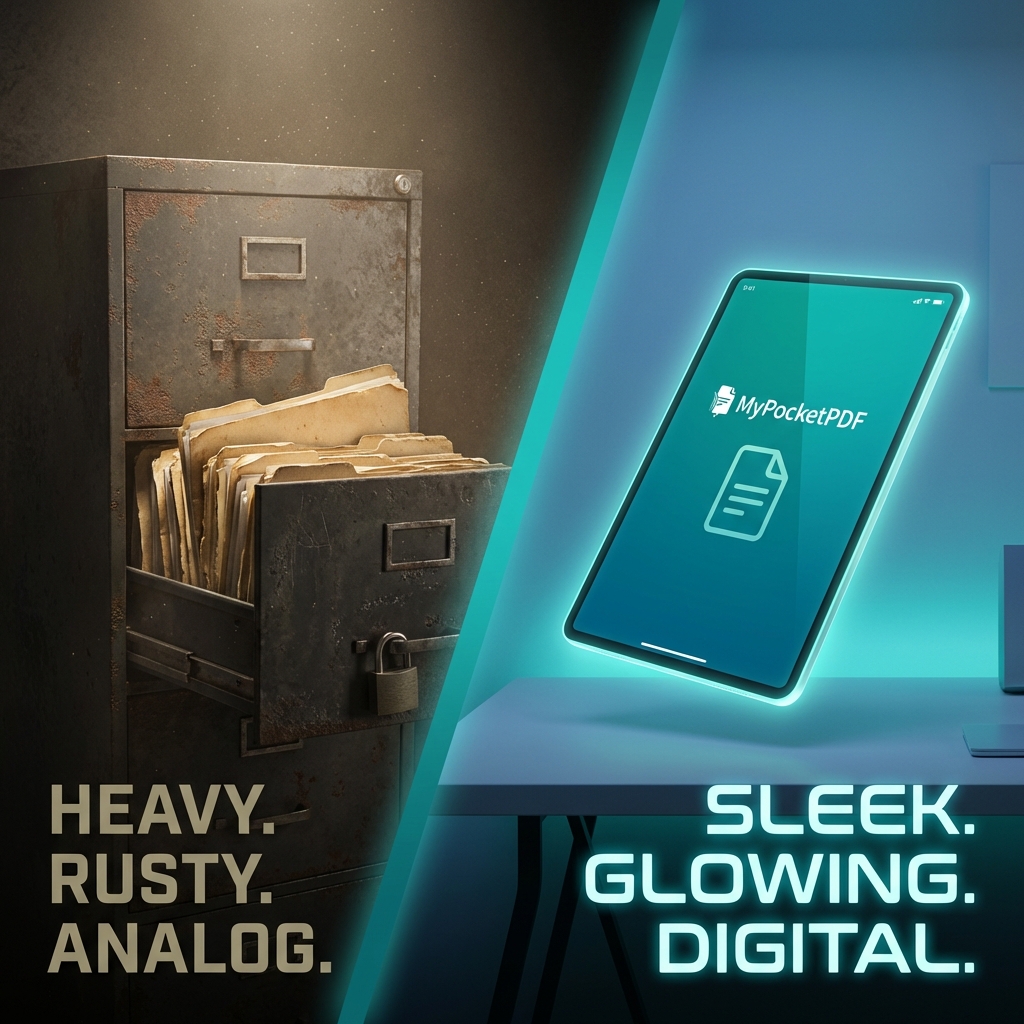
For many, Adobe has become "Legacy Bloatware": too heavy for mobile, too expensive for the budget, and far too complex for simple, daily tasks.
Here are the 7 definitive reasons why thousands of professionals are choosing MyPocketPDF as their primary document toolkit today.
1. Cost (Free vs. $239.88/year)
The most obvious reason is the most compelling. Adobe's subscription model can cost upwards of $20 a month. Over a year, that's nearly $240—money that could be spent on growing your business or funding your education. MyPocketPDF offers the same core tools—merging, splitting, editing, and converting—for zero dollars.
2. Zero Installation & No Storage Bloat
Adobe Acrobat is a massive program that requires gigabytes of space and constant updates that slow down your computer. MyPocketPDF lives entirely in your browser. You can use it on a library computer, your work laptop, or your friend's tablet without installing a single byte. It’s the ultimate "portable" PDF solution.
3. Mobile Power: The "Pocket" in MyPocketPDF
While Adobe has mobile apps, they are often difficult to navigate and hide many features behind a second wall of subscriptions. MyPocketPDF was designed from the ground up for the mobile-first professional. Our responsive 2026 redesign means you can merge files or add a signature on your iPhone or Android as easily as on a high-end desktop.
4. Speed: Seconds, Not Minutes
Wait times are a productivity killer. Adobe often takes 30 seconds just to "initialize" on older machines. Because our tools are optimized for the web and use advanced technologies like WebAssembly, they load and process in seconds. No splash screens, no "checking for updates," just results.
5. Focused Tools for Real Human Beings
Adobe is designed for professional print shops and engineers. It's full of confusing buttons like "Preflight" and "Trapping" that you'll likely never use. MyPocketPDF is designed for tasks—"I need to convert this to Word" or "I need to shrink this file." Our UI is intuitive, modern, and clean.
6. Privacy & No Account Required
The modern web is full of "gatekeeping." Most "free" PDF sites want your email address, your phone number, or your credit card details before they give you the download link. At MyPocketPDF, we value your time and your data. No sign-up, no login, no tracking. Just work.
7. Continuous Innovation & Feedback
Because we are an agile team, we update MyPocketPDF every single week with new features and AI-powered optimizations based directly on user feedback. Whether it's a better OCR engine or a smoother PDF Editor, we are constantly evolving to meet the needs of 2026.
A Feature-by-Feature Comparison
| Feature | Adobe Acrobat | MyPocketPDF |
|---|---|---|
| Cost | Premium Subscription | Free Forever |
| Install | Required (Heavy) | Browser-Based (None) |
| Speed | Slow Initialization | Instant Start |
| Privacy | Cloud Storage Sync | Process & Purge Policy |
| Mobile | Bloated App | Seamless Mobile Web |
| UX | Complex/Legacy | Modern/Task-Focused |
Ready to Break the Subscription Cycle?
Legacy software shouldn't hold you back. MyPocketPDF provides the high-performance, professional-grade tools you need without the "enterprise" headache. Make MyPocketPDF your new homepage for document management and join the productivity revolution.
Want to dive deeper into our features? Check out our Ultimate Guide to Merging PDFs or learn how to edit text online for free.