How to Convert a PDF to Gray Scale (Black & White) Online Free
Color looks great on screen. Color looks expensive on a landlord’s office printer, and some portals still behave like it is 2009 about file size. That is why people search gray scale pdf—they want black and white, not a design lecture.
Here is the straight version: how to make a gray scale PDF online with Grayscale PDF, when that is the right call, and when you actually wanted dark mode instead (different tool).
Gray scale vs invert (please do not mix these up)
| You want… | Tool |
|---|---|
| Color gone, still normal “white paper, dark text” look | Grayscale PDF |
| White pages become black, text becomes light (night reading) | Invert PDF |
Grayscale removes color so printing is B&W and the file often shrinks a bit. Invert flips the world for dark-mode reading. Run invert when you meant grayscale and you get a weird negative that still wastes ink on a laser printer. Invert guide: How to Invert PDF Colors Online.
Why bother
Ink and toner. Drafts, study packets, internal review—nobody needs a cyan pie chart bleeding money.
Portal size caps. Color photos in a PDF bloat uploads. Grayscale helps; Compress helps more if it is still fat—email compress guide.
Some offices insist. “Submit black and white only” shows up more than you think on forms written by someone who still faxes.
Less distraction. Reading a long report in grayscale can feel calmer. Personal taste.
How to do it on MyPocketPDF
- Open Grayscale PDF.
- Drop your color PDF in.
- Convert. Preview if the tool shows before/after.
- Download. Rename it something honest like
so you do not overwrite the color master by accident.proposal-bw.pdf
Locked file? Unlock PDF first.
Keep the color original. Grayscale is one-way here—color does not come back because you wish hard enough. I have watched someone grayscale the only copy of a brand deck. Do not be that person.
When grayscale is the wrong move
You need brand colors for a client deliverable. Send color. Grayscale for your print draft.
You wanted dark mode for reading in bed. That is Invert, not grayscale.
The “color” is really a bad scan with a yellow background. Sometimes Cam Scan filters or a cleaner rescan beat grayscale. Scan guide: scan document to PDF.
You only needed one B&W page. Split that page out, grayscale the short file, merge back if you must—or grayscale the whole thing if the packet is short anyway. Split guide: How to Split a PDF.
A print-day workflow that does not hurt
- Fix order first with Organize if pages are scrambled—combine and rearrange guide.
- Rotate anything sideways—Rotate / rotate guide.
- Convert to gray scale—Grayscale.
- Compress if the printer queue or email still complains—Compress.
- Add page numbers only after the pages look final—Page Numbers.
Order before color strip. Numbering last. Sounds obvious until you renumber a color file, grayscale it, then notice page 7 is upside down.
Small tips that matter
- Charts that rely on red vs blue will lose meaning in gray. Add labels or patterns in the source if the chart must survive B&W.
- Photos become gray photos—fine for archives, ugly for a photography portfolio. You knew that.
- After grayscale, file size usually drops; if it does not, the PDF was already mostly scans. Compress next.
- For a packet that mixes Word covers and scans, convert pieces first (Word to PDF), merge, then grayscale the final if the whole submission must be B&W.
Jobs people actually run this for
Homework packets. Teacher wants black and white. Color highlighter scans look muddy in gray—fine for text pages, ugly for marked-up essays. Split the marked pages out if you must keep color notes for yourself.
Lease or application printouts. Color logos on page 1 do not help the clerk. Grayscale the stack you will print; keep the color PDF on the USB “just in case.”
Expense binders. Receipts photographed in color become gray receipts. Still readable for amounts; the neon coffee-shop logo does not need to survive.
Internal review drafts. Send gray scale so reviewers stop commenting on brand hex codes and start commenting on the words.
What “permanent” really means
Once color is stripped, you cannot “recolor” the PDF back to the original brand blues. Undo in the browser tab is not the same as restoring color after you closed everything and only kept the gray file. Name files clearly. Put the master in a folder you will still recognize next month.
If you are not sure yet, duplicate the PDF on disk first, then run grayscale on the copy. Thirty seconds now beats an awkward email later.
FAQ
Is gray scale the same as grayscale? Same idea. Search engines see both spellings; the tool is Grayscale PDF.
Can I undo it? Not reliably. Keep the color file.
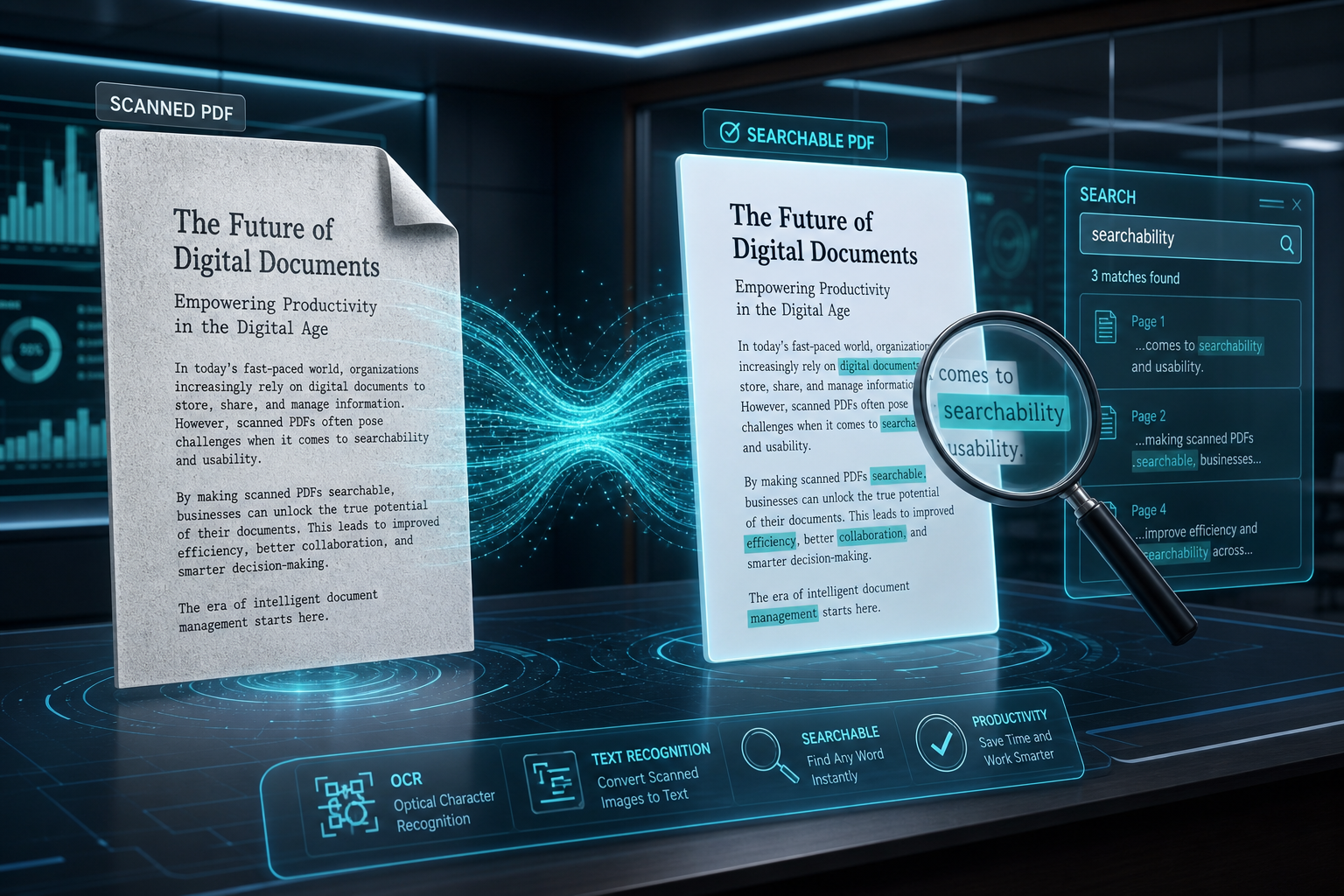
Does text stay selectable? Depends on how the PDF was built. Digital text PDFs usually stay usable; heavy raster workflows vary. If you need searchable text from a scan, run OCR on a clean copy—OCR guide—and decide whether to grayscale before or after based on what still looks readable.
Phone okay? Short files yes. Big color magazines—use a computer.
Will printers still try to use color cartridges? Usually they treat gray as black-only, but driver settings matter. Set the print dialog to black and white / grayscale too if your office printer is stubborn.
Start here
Related: invert for dark mode, compress for email, organize pages first.
Try the free tool
Related guides
- How to Add Page Numbers to a PDF Online Free
Add page numbers to a PDF after merge or Word convert—pick position, format, start page. Free online steps, when to number last, and common footer mistakes.
- How to Change a PDF to A4 or Letter Online Free
Change PDF paper size to A4 or Letter (or custom) online. Resize vs compress explained, Fit vs Fill, and when portals reject the wrong page size.
- How to Deskew a Scanned PDF Online Free
Straighten a crooked scanned PDF online—auto deskew or fine-tune by 0.1°. When to rotate instead, why OCR likes level text, and free MyPocketPDF steps.
- How to Combine and Rearrange PDF Pages Online Free
Wrong page order, pages from two files in one packet—fix it online. Drag thumbnails, insert pages, delete blanks. Free Organize PDF guide with when to merge instead.